Orders: View Features
Note. Please take into account that all the screenshots displayed below represent Shipping Orders. CoreIMS supports the same behavior for all other types of orders: Receiving, Transfer, Kitting and Manufacturing Work Orders.
Order Header
Collapse/expand
You can collapse an order header by clicking within the area which is highlighted in the screenshot below:
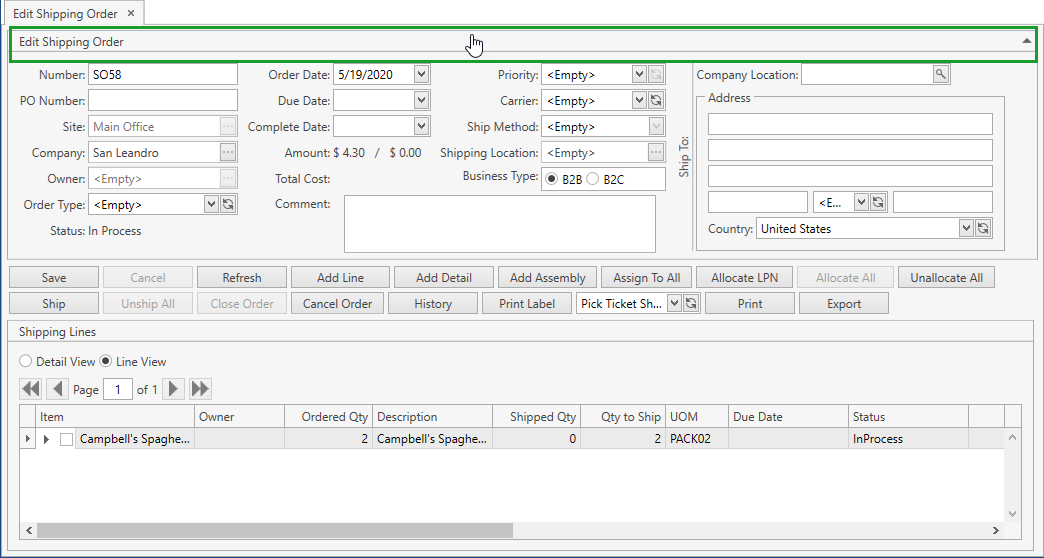
As a result, the order header will be collapsed:
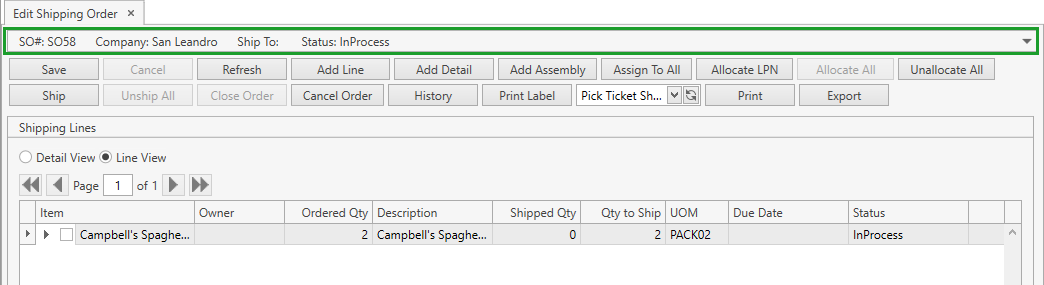
Once the order header is collapsed, you can expand it by clicking within the same area once again.
Order Lines
View Details
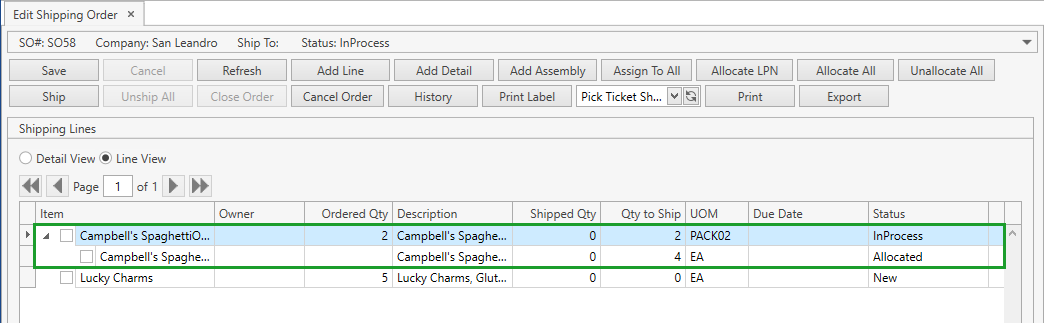
If an order line has any details, you can view them by clicking on  button:
View Modes
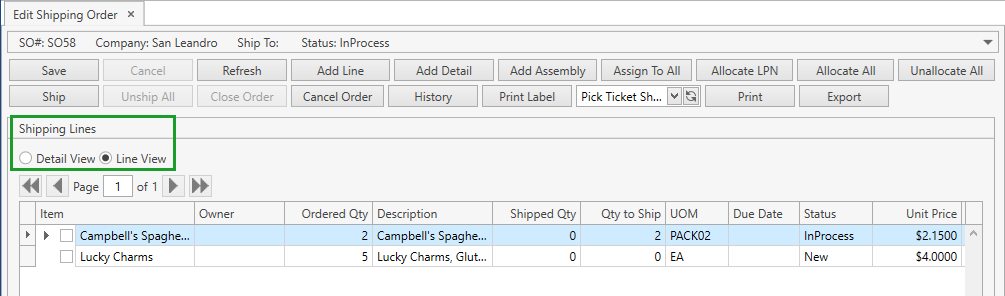
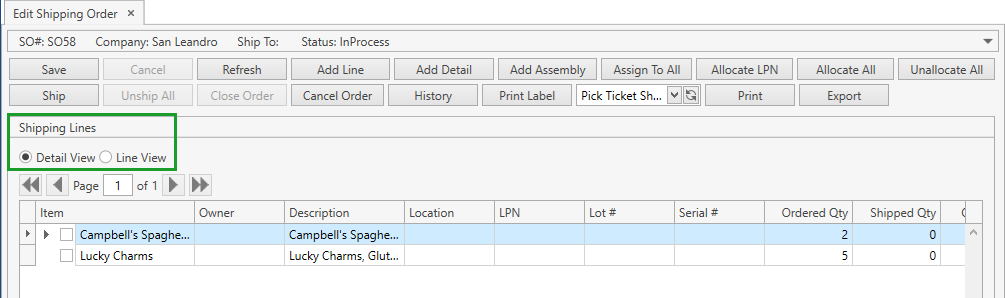
You can view order lines and details in the order lines frame in two modes: Line View and Detail View.
Line View mode is intended to display mainly line attributes:
Detail View mode is intended to display mainly detail attributes:
Searching Features
Within the order lines section you can:
- use navigation buttons
 to switch the pages of the grid;
 - customize the view of the grid;
- use Ctrl+F for searching.